
1
At a glance
CPU and GPU utilization, memory occupancy and pressure are available from the menu bar.
Live activity, useful averages and a lasting record of CPU, GPU and memory input. ChipMeter keeps your history on your Mac.
Preparing for the Mac App Store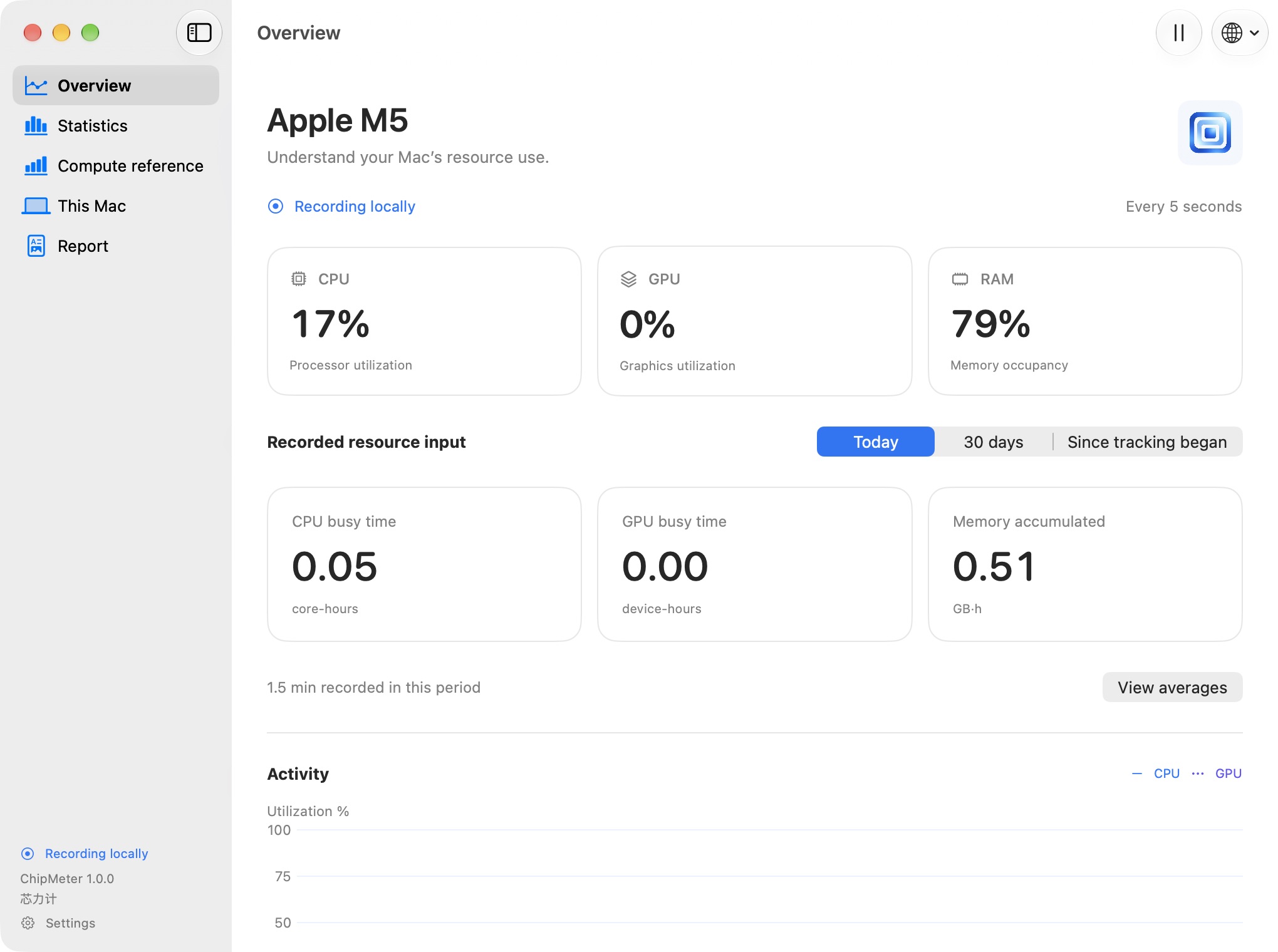
CPU and GPU utilization, memory occupancy and pressure are available from the menu bar.
Compare time-weighted average utilization for the last hour, since boot and your recorded history. Missing time stays excluded.
Keep CPU core-hours, GPU busy hours and memory GB·h. M1-based comparisons are clearly labelled estimates, with CPU and GPU kept separate.
Recording starts automatically on first launch. Pause at any time and choose what to export. No account, advertising, third-party analytics or automatic upload.
PrivacyChipMeter is being prepared for the Mac App Store. A public download link will be added after release.